Tilt maze · Android
TimberTilt
3D Tilt Maze
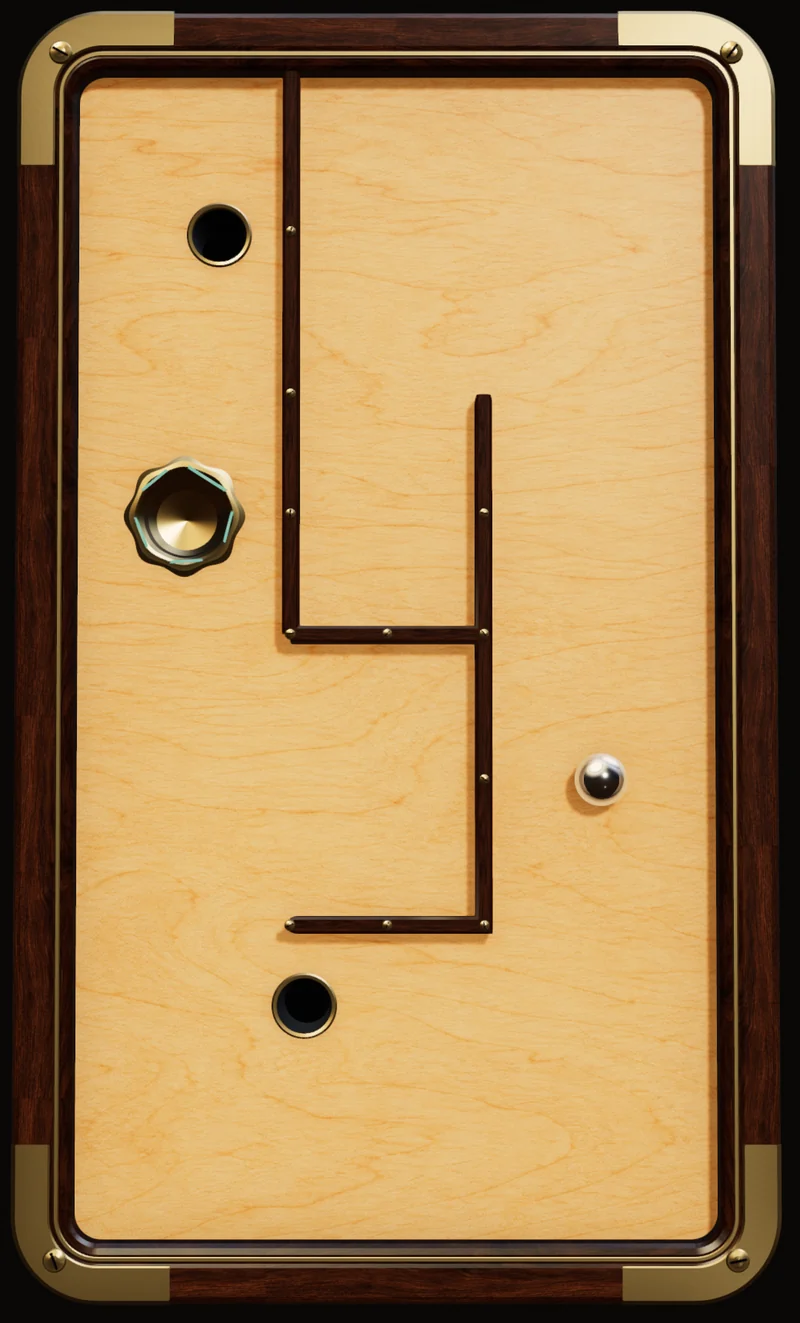
A ball labyrinth moved by you. Tilt your phone, guide the steel ball around the holes, and find a steady way to the goal.
Available on Google Play · Android 9 or newer
Best uses
Practise precise tilt offline in Walnut Atelier, match against another player when you have a connection, or set a favorite maze as a live wallpaper on a compatible launcher.
A familiar idea. A physical feel.
Small movements.
Satisfying control.
The classic wooden ball maze meets the phone in your hands. Read the route, feel the ball's movement and take each corner with a little more care.
Settle into your angle.
Hold your phone comfortably. Use Recenter tilt in Settings, then begin with small movements.
Look a turn ahead.
Keep an eye on the next opening and leave room to ease the ball around corners and holes.
Try a better line.
A fall is a chance to approach the same turn differently. Retry the course and play at your own pace.
Six distinct worlds
Start in wood.
Go somewhere new.
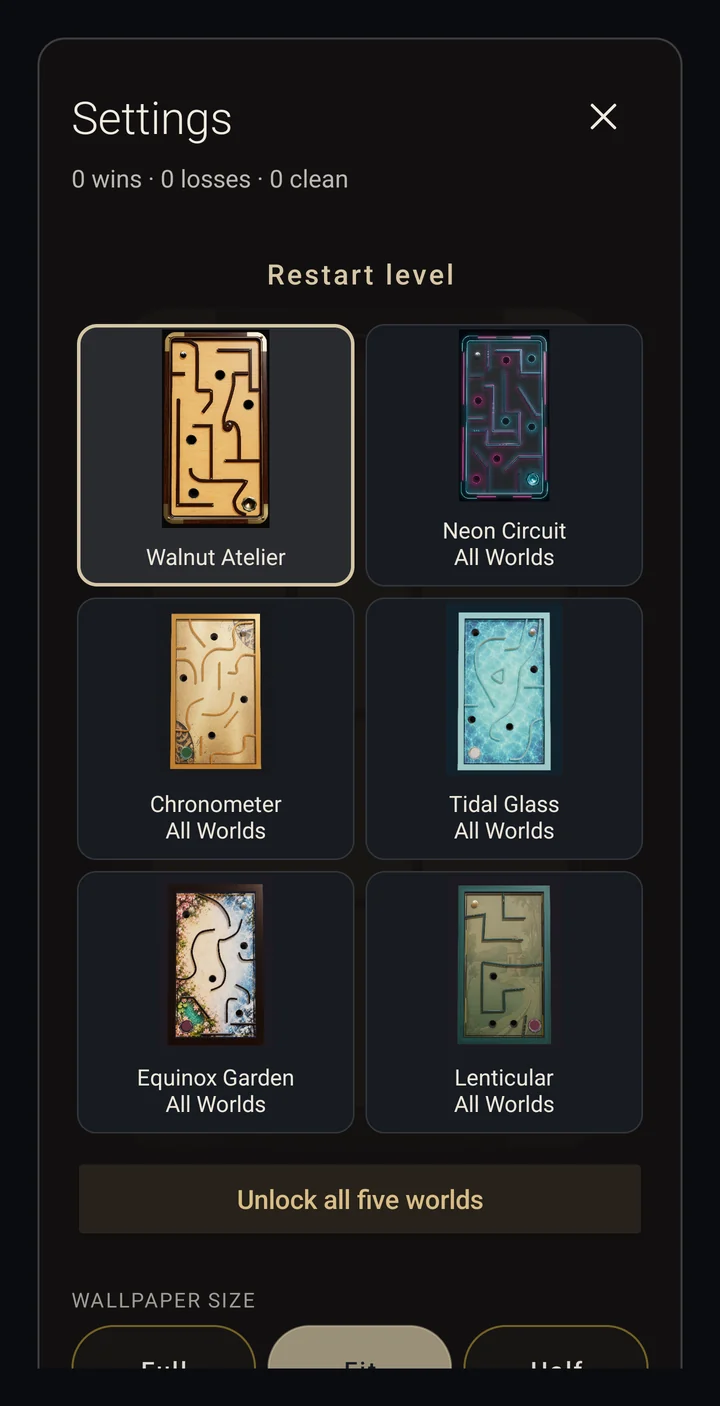
Walnut Atelier and its courses are included. The All Worlds bundle unlocks the five additional worlds together.
- Walnut AtelierIncluded
- Neon CircuitAll Worlds
- ChronometerAll Worlds
- Tidal GlassAll Worlds
- Equinox GardenAll Worlds
- LenticularAll Worlds
Google Play shows the one-time All Worlds price for your region. Purchase and Restore require an internet connection.
A shared course. Your own line.
Race another player.
Keep your record.
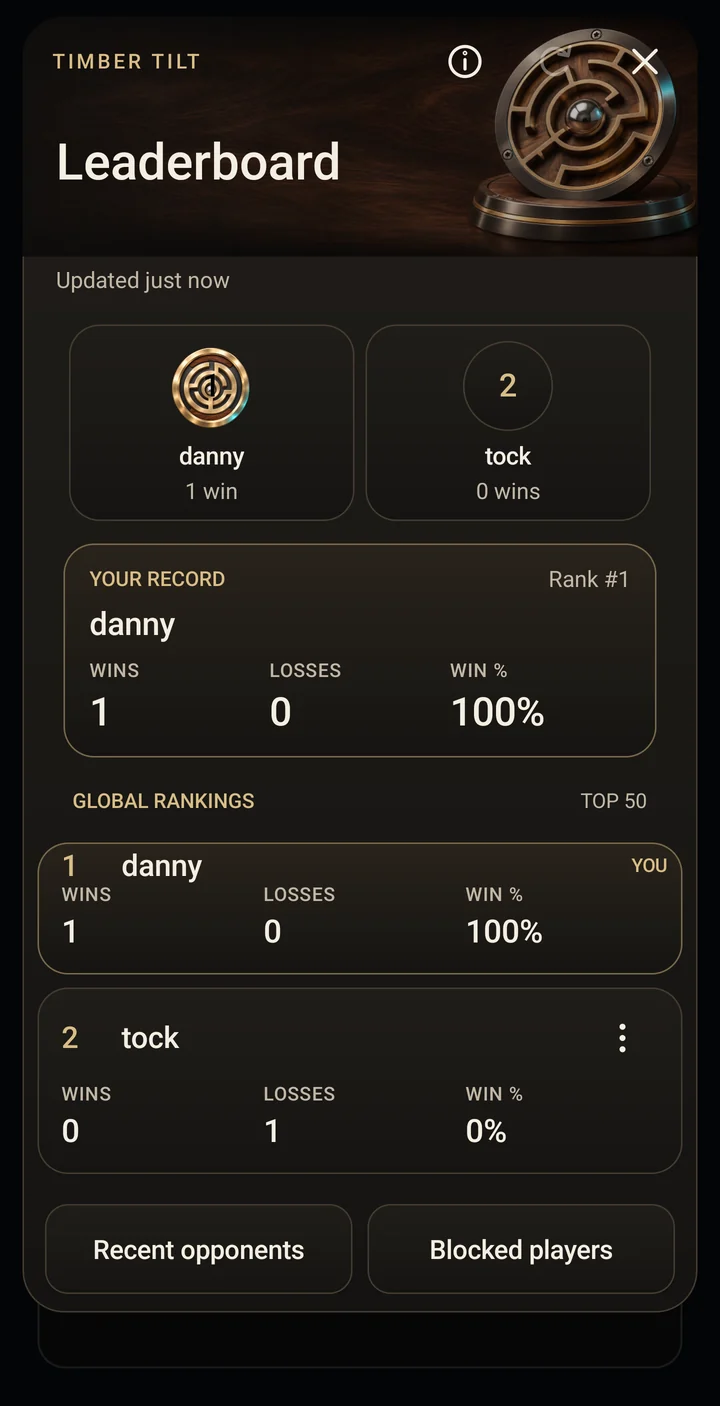
Online 1-vs-1 automatically matches you with an available opponent. Both players race the same course. A highlighted opponent ball shows the other player's position.
- Finish a round and continue together to the next maze.
- Compare wins, losses and win percentage on the casual global leaderboard.
- Use recent opponents, reporting and blocking when needed.
Internet and an available player are required. Keep the app open while racing; leaving or backgrounding ends the race. Public names and records belong to the app installation and cannot be recovered by username.
Beyond the game
A labyrinth for
your home screen, too.
TimberTilt also includes an optional interactive Android live wallpaper. Wallpaper support and appearance depend on your device and launcher. A compatible motion sensor is needed for tilt play; performance varies by phone.
Before you play.
Is TimberTilt free?
The download and the Walnut Atelier world with its courses are free. All Worlds is one optional permanent purchase for the other five worlds. There are no ads or subscriptions.
Can I play offline?
Yes, Walnut solo play works offline. Online racing and buying or restoring All Worlds need an internet connection. Purchased worlds can be played solo once available on the device.
Can I restore purchases on another phone?
Use Restore Purchases with the Google Play account that bought All Worlds. This restores purchase access, not the separate device-based online username or record.
Does joining a paid world unlock it?
A free player can join a paid host's course for that active online race. This does not unlock that world for solo play or wallpaper.
A little practice goes a long way
Find a steadier tilt.
Read our practical guide to neutral position, corners, falls and online racing.