One view, one image
Imagine holding two small pieces of a drawing at different distances from your eye. You can position them so their edges appear to meet. From that position they read as one drawing; move your eye sideways and the join opens. A perspective sculpture can build a much richer version of that relationship.
This guide uses “anamorphic” to describe that chosen-viewpoint effect. It is not a guide to anamorphic camera lenses or video aspect ratios. Here the subject is the relationship between a spatial arrangement and the image it makes from a particular view.
A small projection model
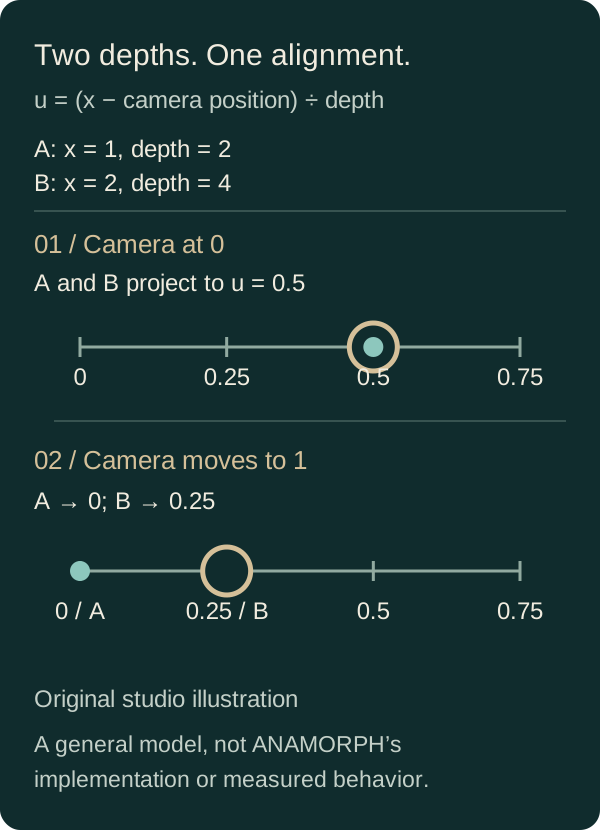
For a simple perspective camera, take a point at horizontal position x and positive depth z. In an idealized model with focal scale f, its screen position is u = f × x ÷ z. Points at different depths can land on the same screen position if their x-to-z ratios match.
For example, with f = 1, the points (x = 1, z = 2) and (x = 2, z = 4) both project to u = 0.5. Move the camera one unit to the right and, in this simplified coordinate setup, their screen positions become 0 and 0.25. The alignment breaks because the two points have different depths.
This is an explanatory calculation. It does not describe ANAMORPH’s source code, exact geometry, camera calibration or rendering pipeline. A finished artwork also has surfaces, lighting, occlusion and a frame around the view.
Design for the reveal
A useful experiment is to begin with a simple shape or short word. Decide which view should read clearly, then consider how the form should look as the viewer moves away from it. The misaligned view is part of the artwork: it can reveal layers, introduce a new silhouette or turn legibility into texture.
Choose an image with a clear subject if you want to judge alignment easily. Try a high-contrast word and a busier picture as separate tests. Compare them from the aligned view and the separated view; the result tells you more than a single still image.
Explore it in ANAMORPH
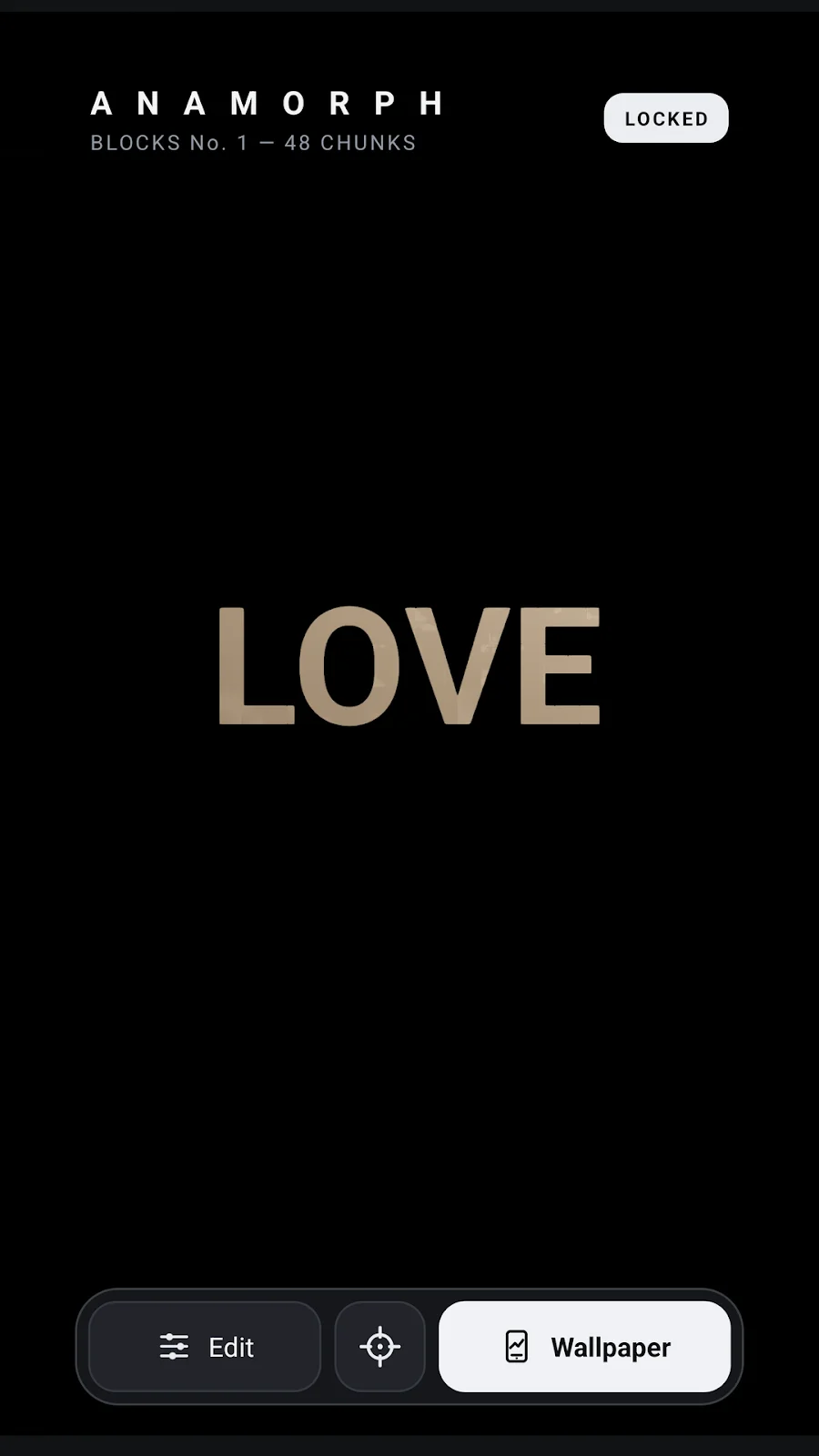
ANAMORPH: 3D Live Wallpaper uses a word or chosen image as the starting point for a sculptural wallpaper. Its listing describes Fold, Blocks and Shear forms, several finishes and a view that can move with tilt. You can also explore the sculpture by dragging in the editor.
Use the official screenshots on the product page to see the released app. The mathematical example above explains a general perspective relationship; it is not a reverse-engineered implementation of the product.
A viewing exercise
- Start with a short word and find the view where it reads most clearly.
- Move away slowly. Notice which parts separate first and which remain readable.
- Return to alignment and compare another form or finish.
- Try an image you have permission to use. Compare its legibility with the word.
There is no universal best amount of motion. Choose a scene you enjoy both when it is aligned and when it is open.
Sources and scope
- Official ANAMORPH Google Play listing — released forms, input options and interaction.
Reviewed on October 19, 2026. The projection model and numeric example are an original explanation, not a claim about measured app behavior.
Keep exploring
Free time-lapse planner · All Lab entries
How to shoot RAW/DNG time-lapses on Android · How interactive 3D live wallpapers work on Android · A Lab that works before JavaScript