
A wallpaper has its own drawing surface
A live wallpaper is more than a moving image file. Android provides a WallpaperService and an Engine associated with a drawing surface. The engine receives lifecycle information, including when its surface changes and when the wallpaper becomes visible or hidden. A developer can draw a scene into that surface.
That framework makes many visual approaches possible. A wallpaper might animate flat shapes, render a three-dimensional scene, or combine techniques. Seeing movement alone does not tell you how a particular wallpaper was implemented.
Where the sense of depth comes from
Consider a camera looking at objects at different distances. Changing the camera position can change the relative positions of those objects on screen. A 3D wallpaper can use a small view change to suggest that you are looking into a scene rather than at a flat surface.
Phone tilt can become an input to that view change when the device and app support it. Touch can do something different: move an object, trigger an effect or change the scene. These are design choices, not features that every Android wallpaper automatically has.
Visibility matters
Android’s engine receives visibility notifications and provides touch-event support when enabled. Those callbacks give developers a way to respond to whether the wallpaper is in view and to supported interaction. A visibility callback is not, by itself, proof that every app stops all work while hidden.
If you are evaluating a wallpaper, try it on your own launcher. Check the preview, return to the home screen, open another app and revisit it. Observe whether the interaction behaves as expected on that combination of phone and launcher.
Choose the interaction you want
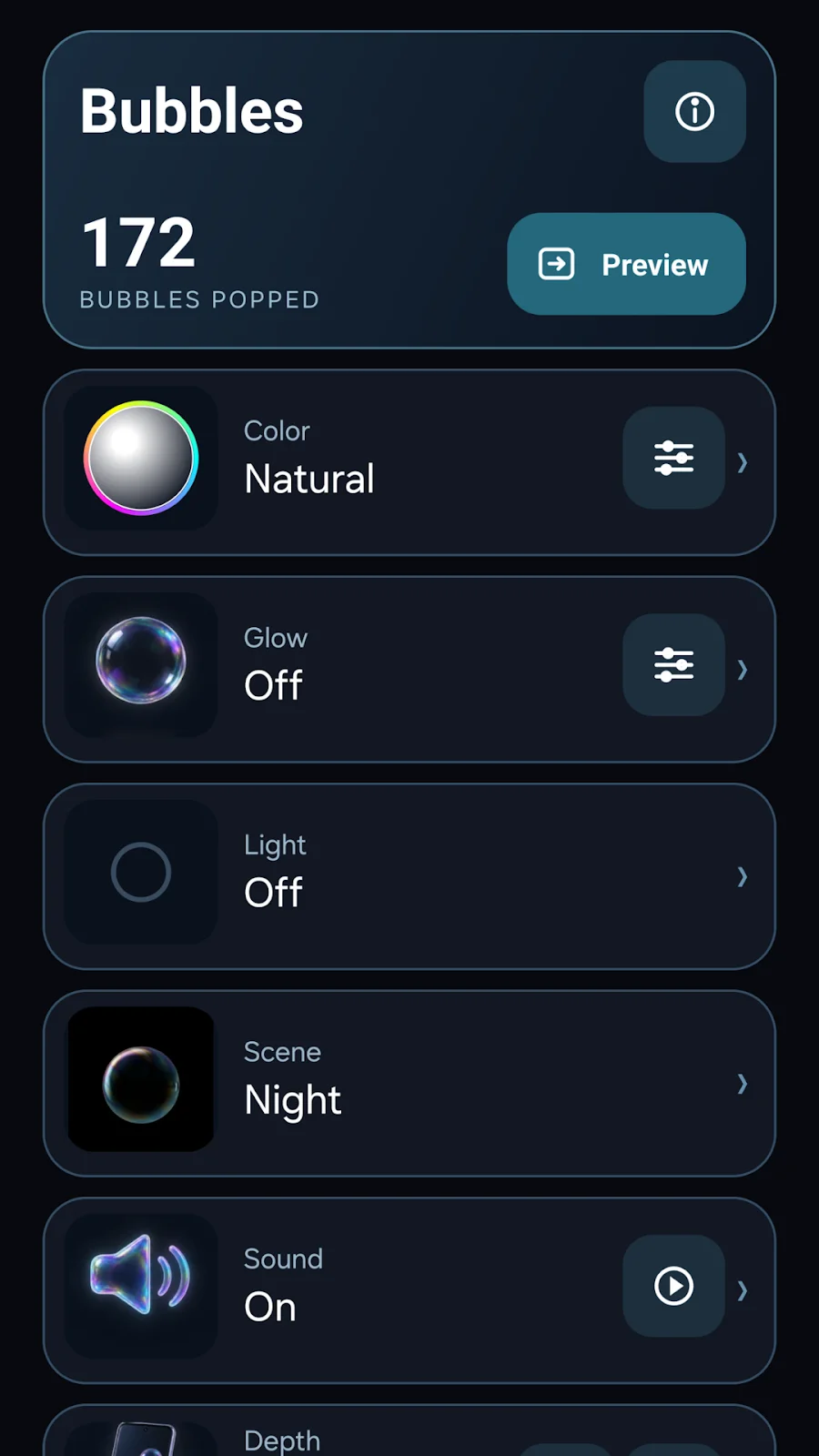
The Island is a finished tropical scene with gyroscope parallax. ANAMORPH starts from a word or chosen image and explores perspective alignment. Bubbles centers on tapping an iridescent bubble field, with optional sounds and tilt view.
Those are different reasons to choose a wallpaper. Decide whether you want a landscape, a personal image in sculptural form, or a background that invites touch. Compare the official screenshots and read the product requirements before purchasing.
Preview before applying
Android provides a system action for previewing a specified live wallpaper before the user confirms it. An app can open that flow; the launcher and operating system still determine the resulting home-screen experience. The menu labels and available options are not identical across devices.
Before choosing a scene, compare its composition with your icons, the motion you want and the app’s optional sound settings. Read the app’s privacy information separately. Being a live wallpaper does not establish its data practices.
Evaluate on your device
A scene’s complexity, graphics hardware, display behavior and settings can affect your experience. This guide has no battery or frame-rate measurements and does not rank these products by efficiency. Use your device’s battery reporting and your own experience over normal use if that comparison matters to you.
A browser demonstration is also a separate experience. The studio’s WebGL artwork is not the Android wallpaper executing inside the page.
Sources and scope
- Android WallpaperService.Engine — surface lifecycle, visibility and touch APIs.
- Android WallpaperManager: live wallpaper preview action — the system preview and confirmation flow.
- The Island listing, ANAMORPH listing and Bubbles listing — the specific released interactions described above.
Reviewed on October 19, 2026 against Android API documentation and official app material. This is a framework and interaction explanation, not a hands-on launcher test. No hardware performance or battery result is asserted.
Keep exploring
Free time-lapse planner · All Lab entries
How to shoot RAW/DNG time-lapses on Android · How anamorphic 3D illusions work · A Lab that works before JavaScript